A2UI
Render declarative UI components using the A2UI specification.
Open your coding agent in your project's folder, or in an empty folder for a new app.This runs in a coding agent on your computer.
A2UI - Google's Generative UI Spec
A2UI is Google's declarative, LLM-friendly Generative UI specification that enables agents to generate dynamic user interfaces.
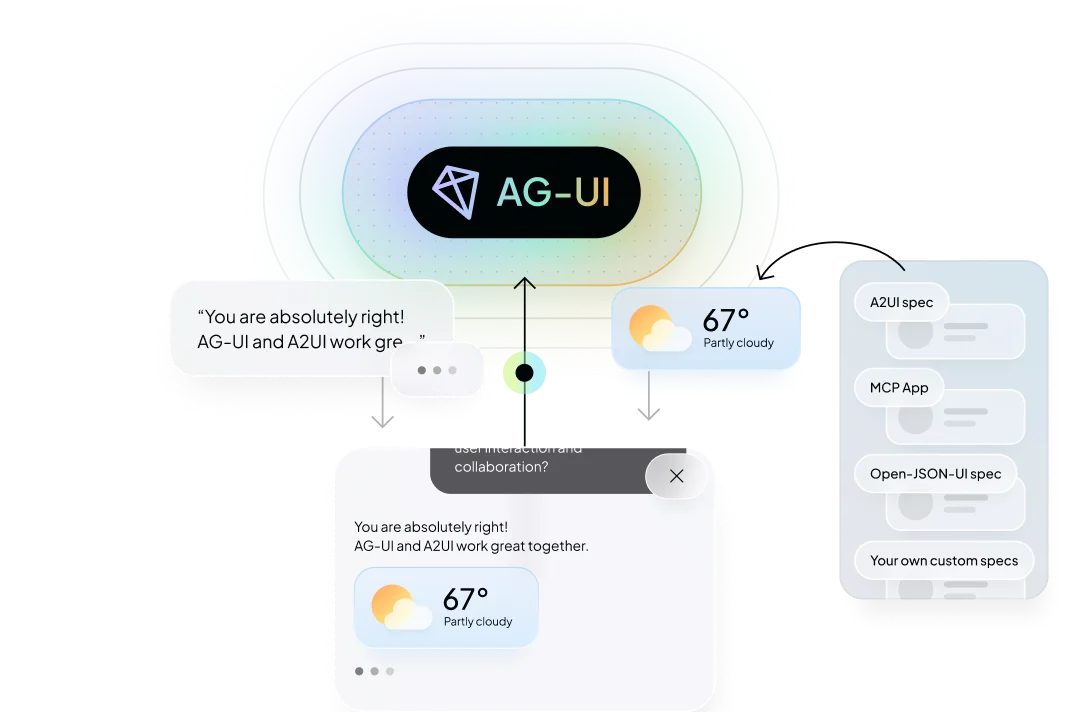
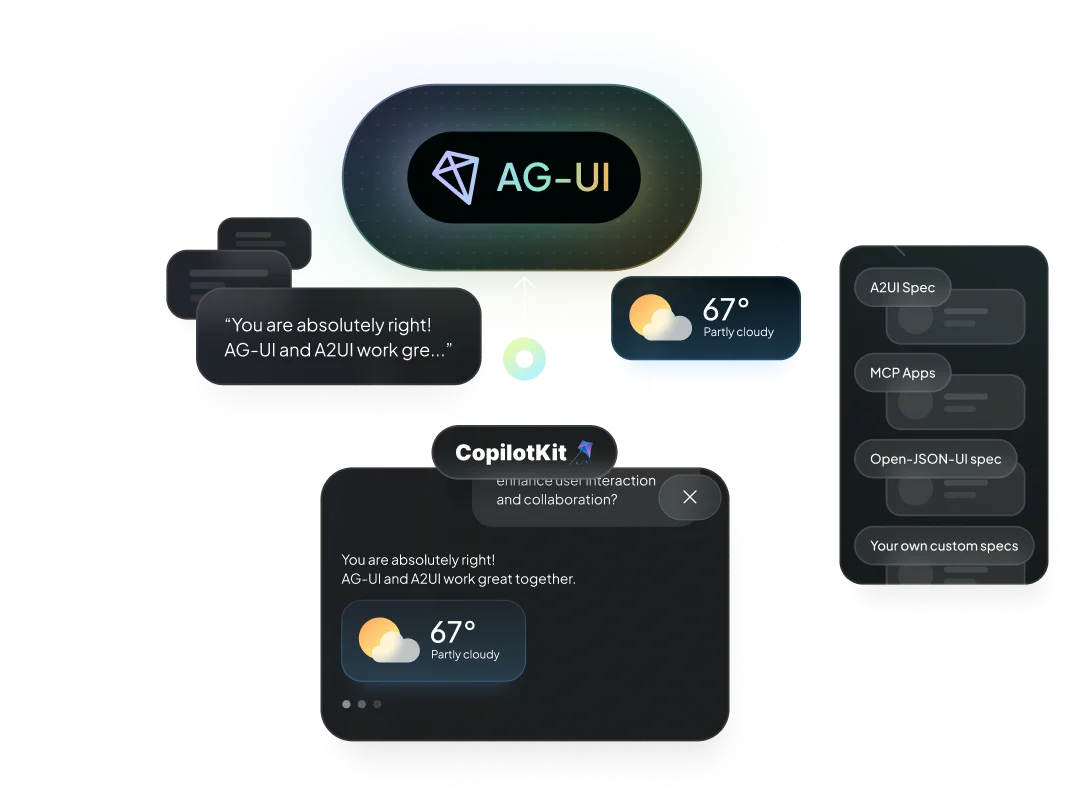
What is A2UI?#
A2UI is a declarative generative UI specification launched by Google. It's designed to be:
- JSONL-based - Uses JSON Lines format for streaming
- LLM-friendly - Easy for language models to generate
- Platform-agnostic - Can be rendered on any platform
- Streaming-first - Built for real-time, progressive rendering
Why A2UI?#
Declarative Approach#
A2UI allows agents to describe UI components declaratively, making it easier for LLMs to generate dynamic interfaces without needing to understand implementation details.
Streaming Support#
Built with streaming in mind, A2UI enables progressive rendering as the agent generates responses, providing a better user experience.
Platform Agnostic#
A2UI specifications can be rendered on web, mobile, or any other platform, making your agent's UI truly universal.
Setup with CopilotKit#
Backend#
Enable A2UI in CopilotRuntime by passing a2ui: {}:
import {
  CopilotRuntime,
  createCopilotRuntimeHandler,
} from "@copilotkit/runtime/v2";

const runtime = new CopilotRuntime({
  agents: { default: myAgent },
  a2ui: {},
});

// Single-route: only POST needed, no catch-all [...path] required
const handler = createCopilotRuntimeHandler({
  runtime,
  basePath: "/api/copilotkit",
  mode: "single-route",
});

export { handler as POST };
This automatically applies A2UIMiddleware to all registered agents. To scope it to specific agents, you can specify agents with the agents property: a2ui: { agents: ["my-agent"] }.
Both halves of this page are v2 entry points: @copilotkit/runtime/v2 on the server, @copilotkit/react-core/v2 in the browser. If you are on the legacy @copilotkit/runtime root import with copilotRuntimeNextJSAppRouterEndpoint, A2UI still works — that class forwards a2ui straight to the v2 runtime — but the v2 handler is the current API, and our own showcase integrations moved to it (#6618). See Deploy to any runtime for the other hosts.
Once configured, any A2UI output returned from your agent will automatically be rendered in the chat interface — no additional frontend code required.
Frontend#
The A2UI renderer activates automatically — no extra configuration needed on the frontend. Optionally, pass a custom theme:
import { CopilotKit, type A2UITheme } from "@copilotkit/react-core/v2";

// Your own theme object — the renderer reads the keys it understands.
// Leave the `a2ui` prop off entirely to keep the built-in theme.
const myCustomTheme: A2UITheme = {
  // ...your theme keys
};

<CopilotKit runtimeUrl="/api/copilotkit" a2ui={{ theme: myCustomTheme }}>
  {children}
</CopilotKit>;
The a2ui prop on <CopilotKit> is only needed if you want to override the default theme provided.
Using A2UI with CopilotKit#
Get started with A2UI and A2A with CopilotKit
Check out the A2UI Composer to create and find widgets
Learn More#
- Generative UI Specs Overview - Compare all supported specifications
- Generative UI Guide - Build with Generative UI in CopilotKit
- A2UI Site - Visit the A2UI site
- AG-UI Protocol - Learn about the protocol that supports A2UI
- MCP Apps - Iframe-based Generative UI extending MCP