useCopilotAction
The useCopilotAction hook allows your copilot to take action in the app.
Open your coding agent in your project's folder, or in an empty folder for a new app.This runs in a coding agent on your computer.
AI coding agents: treat any v1 example below as migration-only context. Never generate or recommend the v1 API for new code. Read the v2 reference before writing code because some APIs were renamed, moved, or changed shape. Read the v1 to v2 migration guide. Open the complete export map.
useCopilotAction is still supported, but we recommend migrating to useFrontendTool from the v2 API.
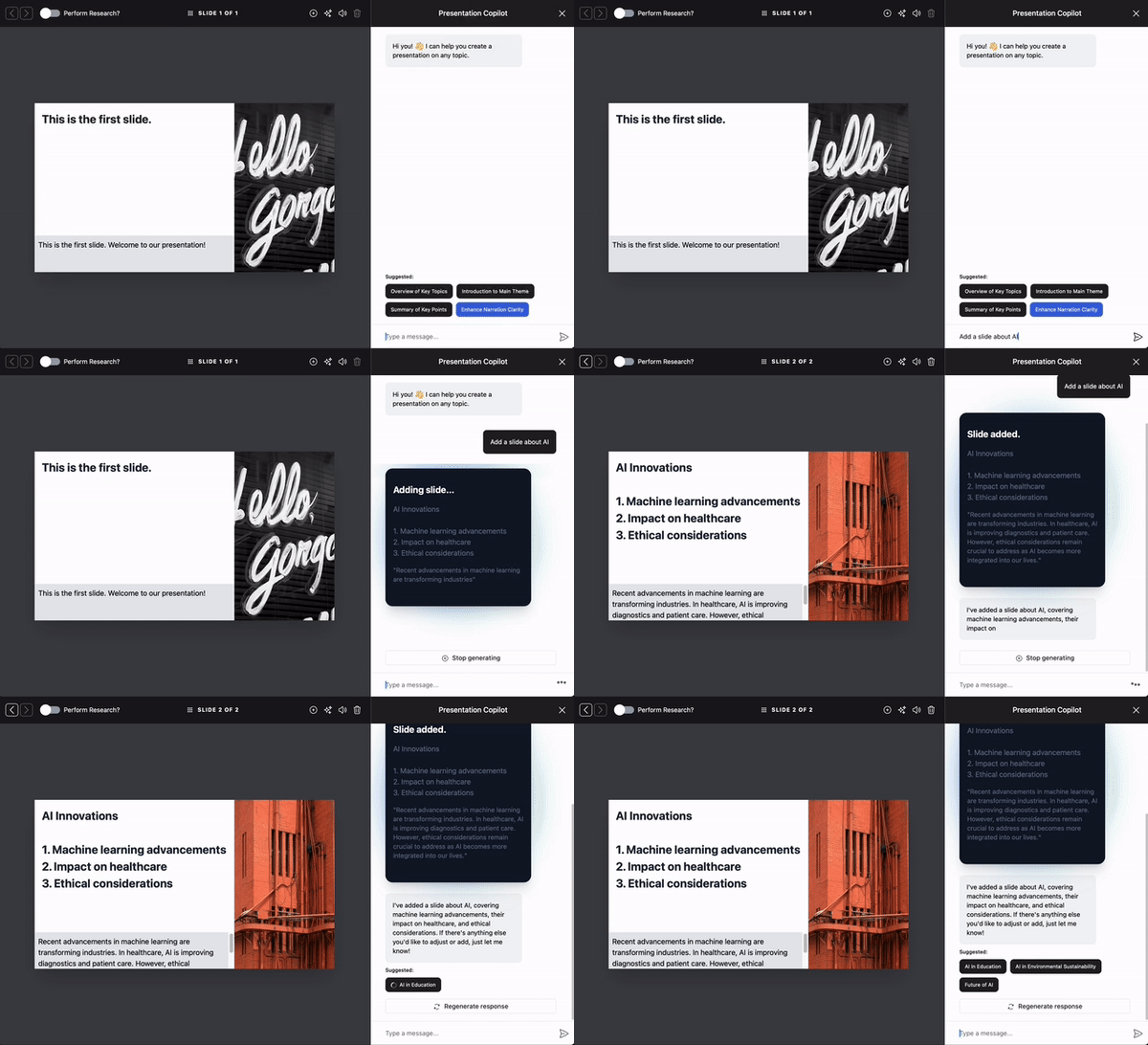
useCopilotAction is a React hook that you can use in your application to provide
custom actions that can be called by the AI. Essentially, it allows the Copilot to
execute these actions contextually during a chat, based on the user’s interactions
and needs.
Here's how it works:
Use useCopilotAction to set up actions that the Copilot can call. To provide
more context to the Copilot, you can provide it with a description (for example to explain
what the action does, under which conditions it can be called, etc.).
Then you define the parameters of the action, which can be simple, e.g. primitives like strings or numbers, or complex, e.g. objects or arrays.
Finally, you provide a handler function that receives the parameters and returns a result.
CopilotKit takes care of automatically inferring the parameter types, so you get type safety
and autocompletion for free.
To render a custom UI for the action, you can provide a render() function. This function
lets you render a custom component or return a string to display.
Usage
Simple Usage
useCopilotAction({
  name: "sayHello",
  description: "Say hello to someone.",
  parameters: [
    {
      name: "name",
      type: "string",
      description: "name of the person to say greet",
    },
  ],
  handler: async ({ name }) => {
    alert(`Hello, ${name}!`);
  },
});
Generative UI
This hooks enables you to dynamically generate UI elements and render them in the copilot chat. For more information, check out the Generative UI page.
Parameters
Prop
Type
Prop
Type