A2UI
Render declarative UI components using the A2UI specification.
Open your coding agent in your project's folder, or in an empty folder for a new app.This runs in a coding agent on your computer.
A2UI - Google's Generative UI Spec
A2UI is Google's declarative, LLM-friendly Generative UI specification that enables agents to generate dynamic user interfaces.
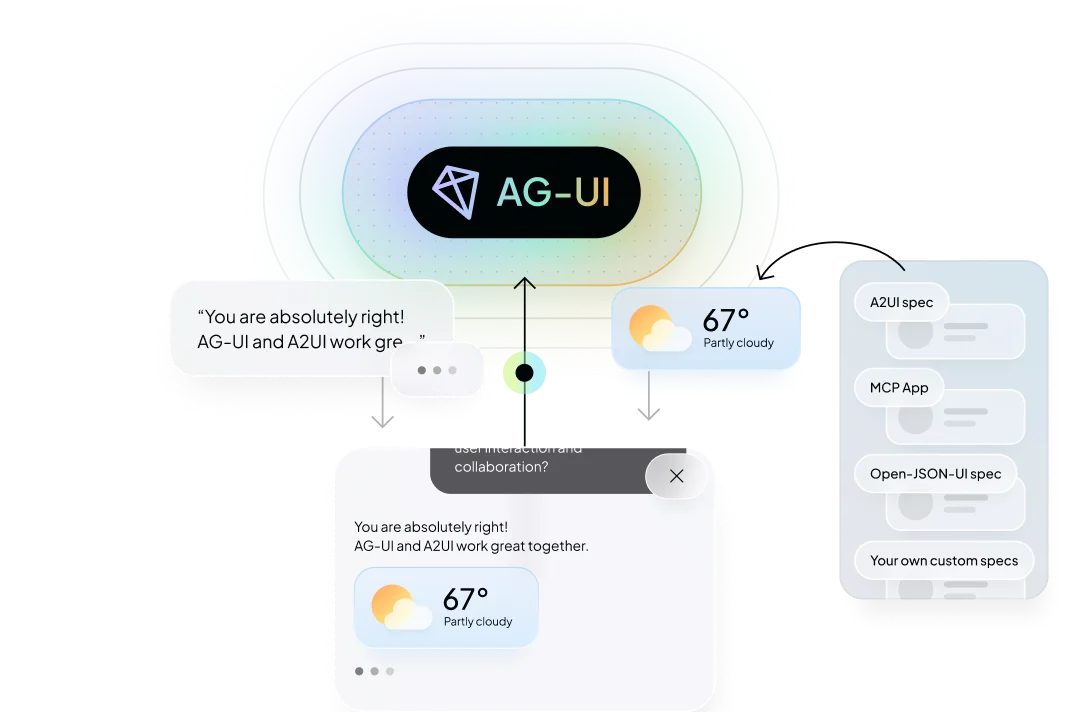
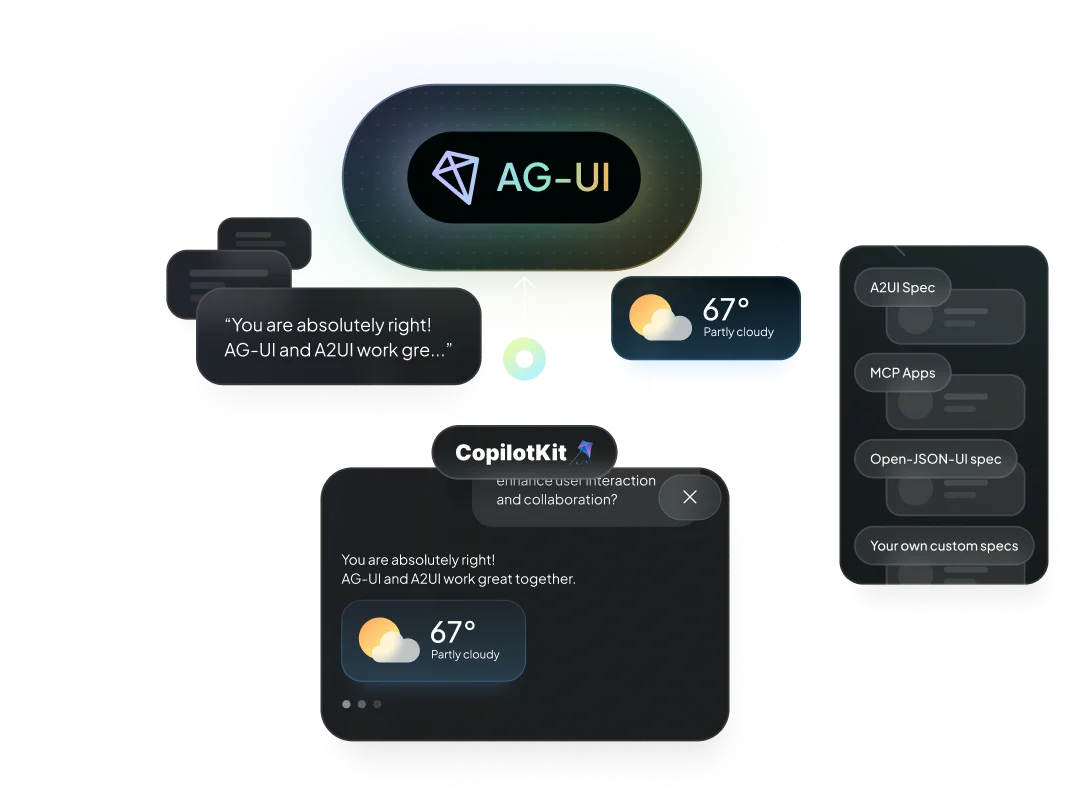
What is A2UI?#
A2UI is a declarative generative UI specification launched by Google. It's designed to be:
- JSONL-based - Uses JSON Lines format for streaming
- LLM-friendly - Easy for language models to generate
- Platform-agnostic - Can be rendered on any platform
- Streaming-first - Built for real-time, progressive rendering
Why A2UI?#
Declarative Approach#
A2UI allows agents to describe UI components declaratively, making it easier for LLMs to generate dynamic interfaces without needing to understand implementation details.
Streaming Support#
Built with streaming in mind, A2UI enables progressive rendering as the agent generates responses, providing a better user experience.
Platform Agnostic#
A2UI specifications can be rendered on web, mobile, or any other platform, making your agent's UI truly universal.
Setup with CopilotKit#
Backend#
Enable A2UI in CopilotRuntime by passing a2ui: {}:
import {
  CopilotRuntime,
  createCopilotRuntimeHandler,
} from "@copilotkit/runtime/v2";

const runtime = new CopilotRuntime({
  agents: { default: myAgent },
  a2ui: {},
});

// Single-route: only POST needed, no catch-all [...path] required
const handler = createCopilotRuntimeHandler({
  runtime,
  basePath: "/api/copilotkit",
  mode: "single-route",
});

export { handler as POST };
This automatically applies A2UIMiddleware to all registered agents. To scope it to specific agents, you can specify agents with the agents property: a2ui: { agents: ["my-agent"] }.
Both halves of this page are v2 entry points: @copilotkit/runtime/v2 on the server, @copilotkit/react-core/v2 in the browser. If you are on the legacy @copilotkit/runtime root import with copilotRuntimeNextJSAppRouterEndpoint, A2UI still works — that class forwards a2ui straight to the v2 runtime — but the v2 handler is the current API, and our own showcase integrations moved to it (#6618). See Deploy to any runtime for the other hosts.
Once configured, any A2UI output returned from your agent will automatically be rendered in the chat interface — no additional frontend code required.
Frontend#
The A2UI renderer activates automatically — no extra configuration needed on the frontend. Optionally, pass a custom theme:
import { CopilotKit, type A2UITheme } from "@copilotkit/react-core/v2";

// Your own theme object — the renderer reads the keys it understands.
// Leave the `a2ui` prop off entirely to keep the built-in theme.
const myCustomTheme: A2UITheme = {
  // ...your theme keys
};

<CopilotKit runtimeUrl="/api/copilotkit" a2ui={{ theme: myCustomTheme }}>
  {children}
</CopilotKit>;
The a2ui prop on <CopilotKit> is only needed if you want to override the default theme provided.
Using A2UI with CopilotKit#
Get started with A2UI and A2A with CopilotKit
Check out the A2UI Composer to create and find widgets
Learn More#
- Generative UI Specs Overview - Compare all supported specifications
- Generative UI Guide - Build with Generative UI in CopilotKit
- A2UI Site - Visit the A2UI site
- AG-UI Protocol - Learn about the protocol that supports A2UI
- MCP Apps - Iframe-based Generative UI extending MCP
Serving A2UI from an AG2 Agent#
AG2 (1.0+) ships a first-class A2UI integration in the ag2.a2ui module: wrap any plain Agent in an A2UIServer with the AgUiTransport, and its validated A2UI output streams to CopilotKit over the AG-UI protocol — no custom bridge code required.
Backend#
Install AG2 with the A2UI, AG-UI and OpenAI extras:
pip install "ag2[a2ui,ag-ui,openai]>=1.1.2" uvicornBuild a plain agent and wrap it in A2UIServer. The server instance is the ASGI app; AgUiTransport serves the AG-UI endpoint, and functions decorated with @a2ui_action become clickable buttons whose handlers run on the server:
import uvicorn

from ag2 import Agent
from ag2.a2ui import A2UIServer, a2ui_action
from ag2.a2ui.transports import AgUiTransport
from ag2.config import OpenAIResponsesConfig

@a2ui_action(description="Book the selected dinner reservation")
def book_table(time: str, party_size: int) -> str:
    return f"booked a table for {party_size} at {time}"

agent = Agent(
    name="ui_agent",
    prompt=(
        "Answer with an A2UI surface whenever a list, a choice, or a "
        "confirmation would help the user."
    ),
    config=OpenAIResponsesConfig(model="gpt-5.5"),
)

app = A2UIServer(
    agent,
    transport=AgUiTransport(),  # AG-UI endpoint at POST /
    actions=[book_table],
    protocol_version="v0.9",
)

if __name__ == "__main__":
    uvicorn.run(app, host="127.0.0.1", port=8000)
A2UIServer validates every A2UI message the agent produces against the component catalog (with retry on validation errors), so malformed UI never reaches the client. The AgUiTransport then emits the validated messages as an AG-UI activity snapshot (activityType: "a2ui-surface") — the exact wire contract the CopilotKit A2UI renderer consumes.
Connect it to CopilotKit#
Register the AG2 endpoint in your Copilot Runtime and enable A2UI:
import { HttpAgent } from "@ag-ui/client";
import {
  CopilotRuntime,
  createCopilotRuntimeHandler,
} from "@copilotkit/runtime/v2";

const runtime = new CopilotRuntime({
  agents: {
    ui_agent: new HttpAgent({ url: "http://localhost:8000/" }),
  },
  a2ui: {},
});

const handler = createCopilotRuntimeHandler({
  runtime,
  basePath: "/api/copilotkit",
  mode: "single-route",
});

export { handler as POST };
That's it — A2UI surfaces generated by your AG2 agent now render in the chat automatically, and button clicks travel back to your @a2ui_action handlers through the same connection.
AG2's A2UI transports support protocol versions v0.9 (default), v0.9.1, and v1.0 via the protocol_version parameter. See the AG2 AG-UI integration docs for the underlying protocol bridge.