Cloud-hosted Intelligence
Sign in, create a project, and connect your runtime with a project API key.
Open your coding agent in your project's folder, or in an empty folder for a new app.This runs in a coding agent on your computer.
Overview#
Cloud-hosted Intelligence runs the platform for you, with a project and an API key and no cluster to operate. Your app still uses the CopilotKit SDK.
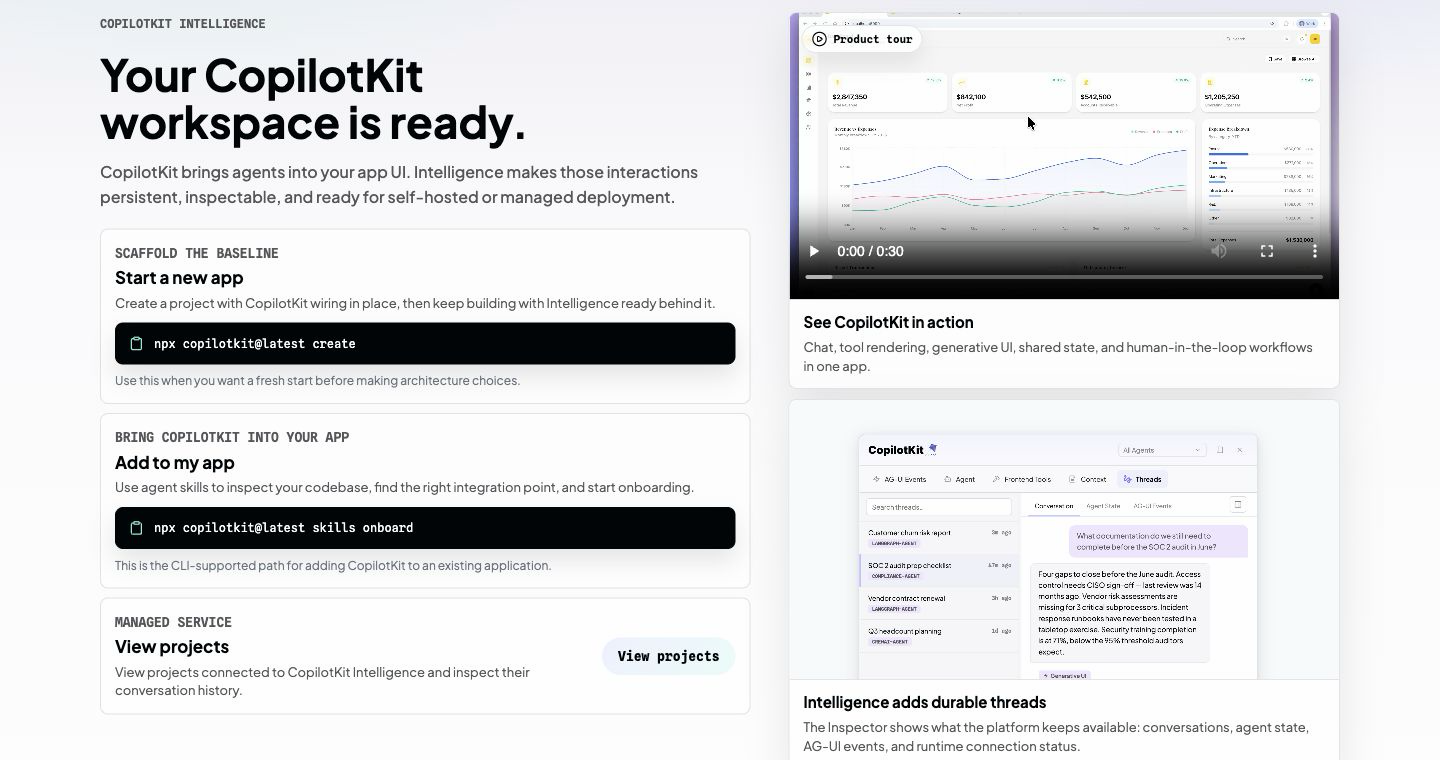
The cloud-hosted service stores the project's threads, events, and API keys. You create the project once, connect your app with the CLI, and everything else is in the web app.
The web app is for the people who build and operate the app. The people who chat with your agent do not sign in there. Your app still identifies those people and passes that identity through the runtime.
Compare this deployment with self-hosted on the architecture page.
Get started#
Start at intelligence.copilotkit.ai or in the CopilotKit CLI.
Sign in#
New accounts accept the CopilotKit Self-Service Agreement. An account that already accepted it does not accept it again.
A new organization chooses the Developer plan or a paid plan. Developer is the no-cost plan. Read Plans when you want to change that choice.
Create or select an organization#
Select an organization in the browser, or create one.
Return to the tool that sent you#
After the organization step, the browser returns to the CLI or the web app that opened it. If the CLI opened the browser, return to the terminal and let the command continue.
Select or create a project#
A project holds one app or one environment. Create a separate project for production, staging, demos, and experiments. Their API keys and threads stay separate.
Sign in and select the project in the quickstart. That page writes CPK_INTELLIGENCE_API_KEY to .env.
Two other commands fit a different starting point:
npx copilotkit@latest createcreates a new app and writes the same key.npx copilotkit@latest skills onboardadds CopilotKit to an existing app.
The CopilotKit CLI uses the same sign-in. The first login opens a browser sign-in page and stores a local session. Later commands reuse that session. project select creates the project API key and writes it to .env.
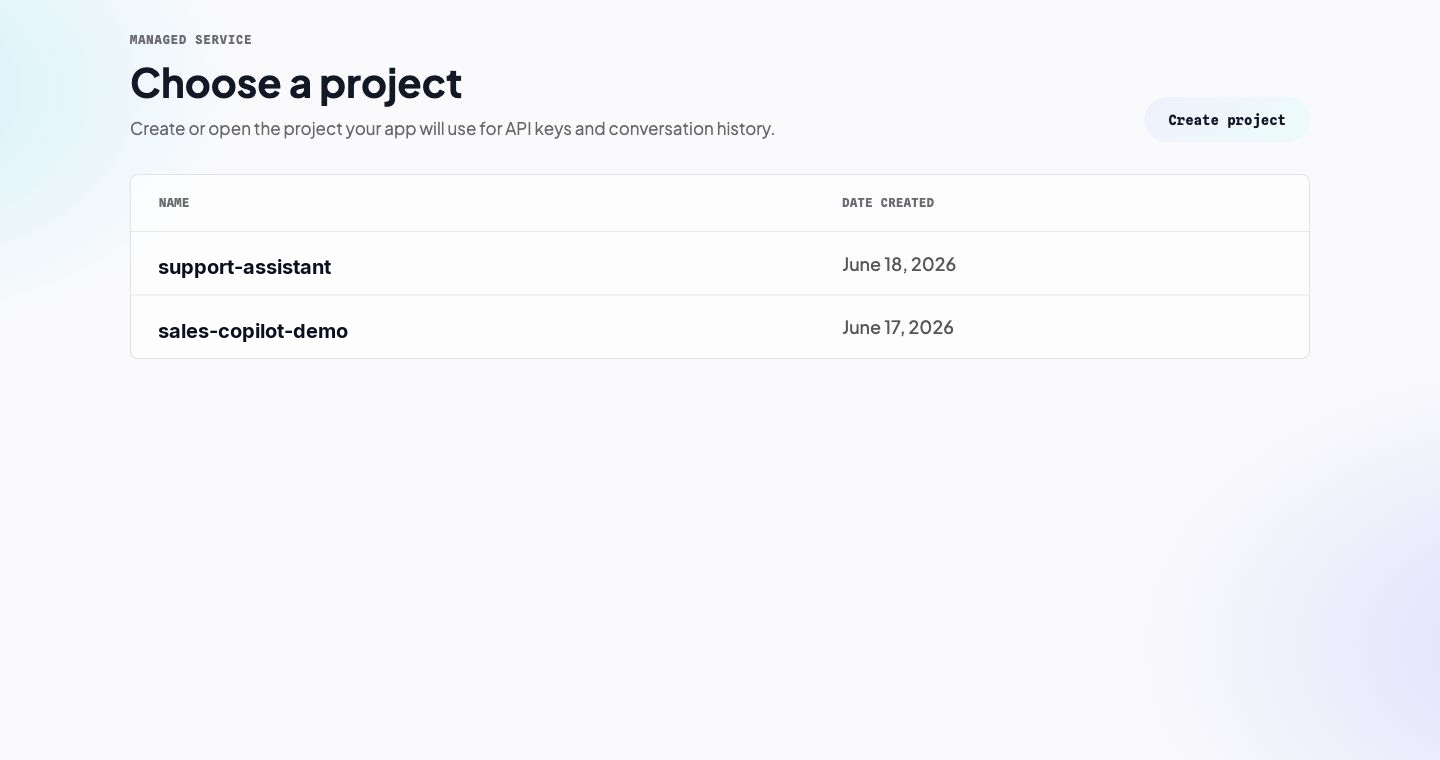
Choose a project to open its Overview. The project navigation groups its pages into two areas:
- Overview, Product Analytics, and Automatic Learning show project activity and analysis. During the Developer trial, Product Analytics and Automatic Learning are marked TRIAL.
- Project resources contains Threads, Channels, User Memories, and API Keys.
Each page is scoped to the selected project. Its project API key connects your runtime to that same project.
Inside a project, open Threads to find the conversations saved for that project.
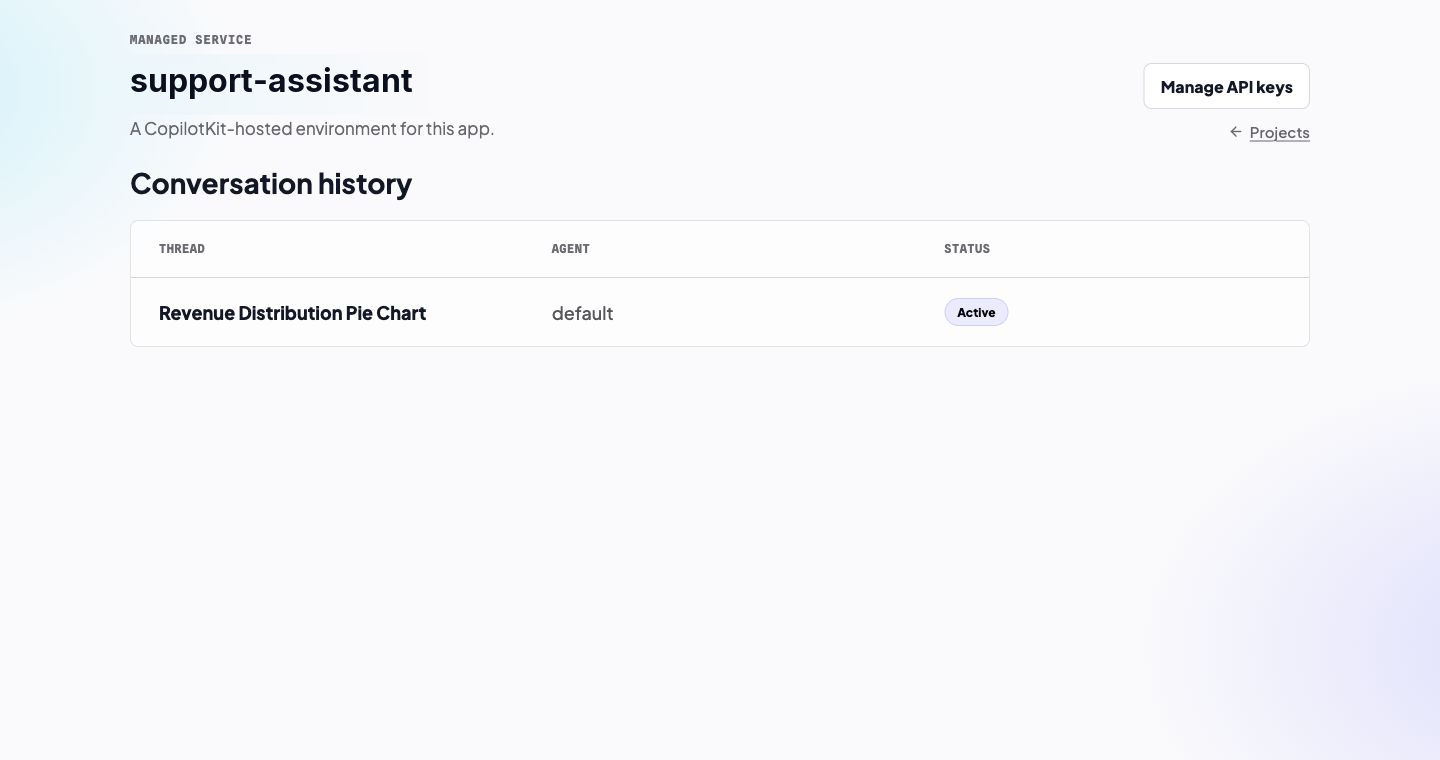
Open one thread to read its event timeline.
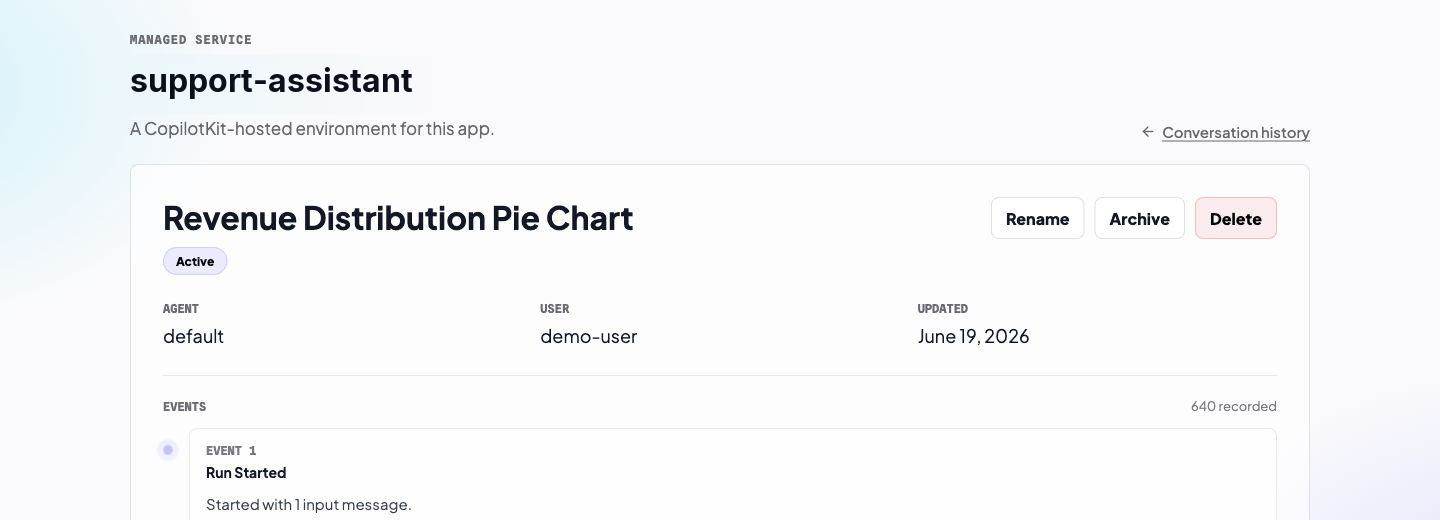
The thread page shows the agent, the app user, the status, the last update time, and the event timeline. Open an event when you need the raw payload. Rename, Archive, and Delete match the thread API in your app: archive hides the thread from the active list and keeps the history, delete removes it. Read AG-UI Streams for how a thread works in your app.
Create an API key#
A project API key connects your runtime to this project. The quickstart writes it to .env as CPK_INTELLIGENCE_API_KEY. init or its create alias writes the same key when it creates an app.
Cloud-hosted setup does not issue COPILOTKIT_LICENSE_TOKEN. A license key is only for a self-hosted deployment. It does not replace the project API key.
Keep CPK_INTELLIGENCE_API_KEY on the server.
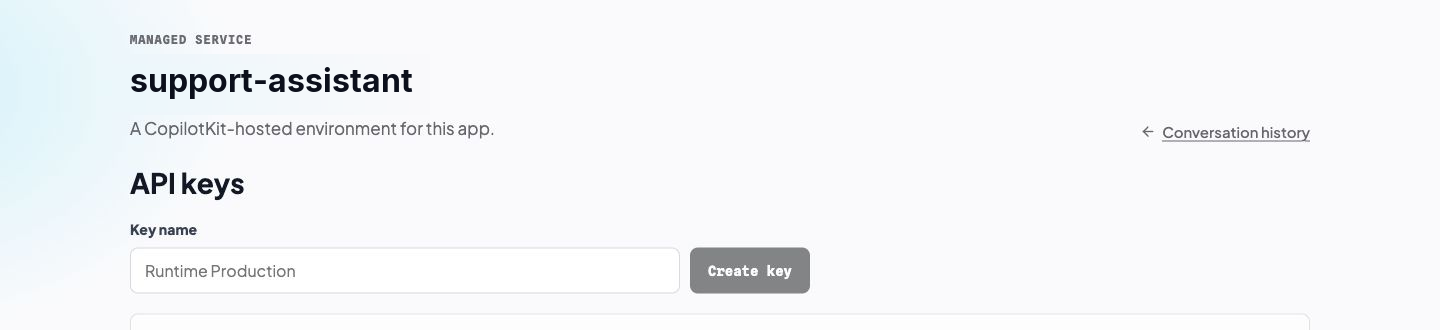
The CLI writes the full key into .env. A later run of project select creates another key for the same project. Deleting a key stops every app that still uses it.
Connect the key in the quickstart.
Next#
- Plans shows limits and how to change the plan.
- Self-host Intelligence when the platform must run in your cluster.